Developer tools
API clients, cloud and Kubernetes CLIs, signed commits and a check of your developer setup.
Developer tools
API clients
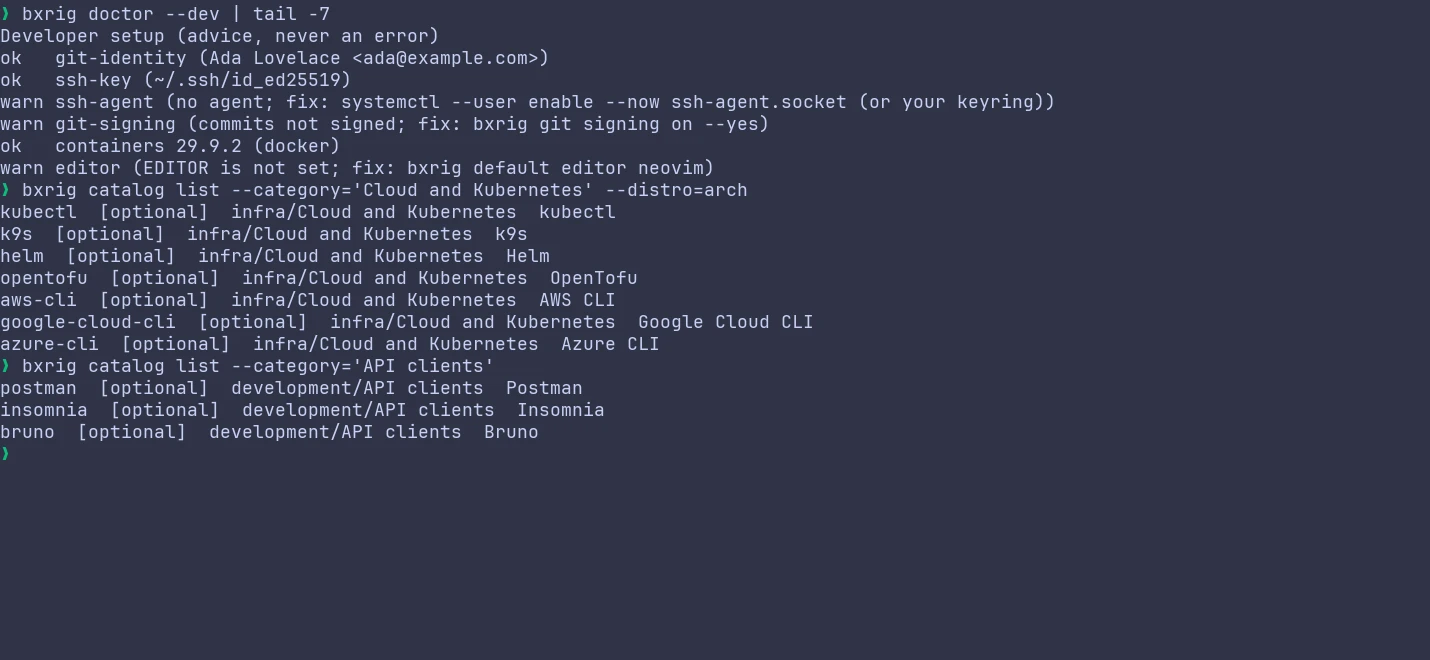
Postman, Insomnia and Bruno are in the app picker under Development > API clients. On Arch they come from the AUR (postman-bin, insomnia-bin, bruno-bin); on Debian, Ubuntu and openSUSE from Flathub.
bxrig pkg install bruno --yes
Bruno keeps its collections as plain files in your project, so they go into git with the code.
Cloud and Kubernetes
The Cloud and Kubernetes profile installs kubectl, k9s, Helm and OpenTofu, and offers the AWS, Google Cloud and Azure CLIs.
| Tool | Arch | Debian | Ubuntu | openSUSE |
|---|---|---|---|---|
| kubectl | extra | apt | not packaged | kubernetes-client |
| k9s, Helm, OpenTofu | extra | not packaged | not packaged | zypper |
| AWS CLI | aws-cli-v2 | awscli | awscli | aws-cli (version 1) |
| Google Cloud CLI | AUR | not packaged | not packaged | not packaged |
| Azure CLI | extra | apt | not packaged | zypper |
A tool that is not packaged on your distribution is not offered there.
Shell helpers
Two more in the picker, under Development > Shell:
- atuin: shell history you can search, with the directory and exit code of every command. It stays on your machine unless you sign in to sync.
- just: a
justfileof project commands (just test,just deploy), simpler than make.
Signed commits
bxrig git signing on --yes      # sign commits and tags with ~/.ssh/id_ed25519
bxrig git signing               # on or off, and with which key
bxrig git signing off --yes     # stop signing; the key stays
on uses your SSH key (no GPG). It sets gpg.format ssh, user.signingkey, commit.gpgsign and tag.gpgsign, and adds your email and key to ~/.config/git/allowed_signers, so git log --show-signature can verify your own commits. It needs the key (bxrig ssh key --yes) and git user.email. --key=PATH picks another key.
For GitHub's Verified badge, add the same public key to GitHub a second time, as a Signing key (Settings, SSH and GPG keys).
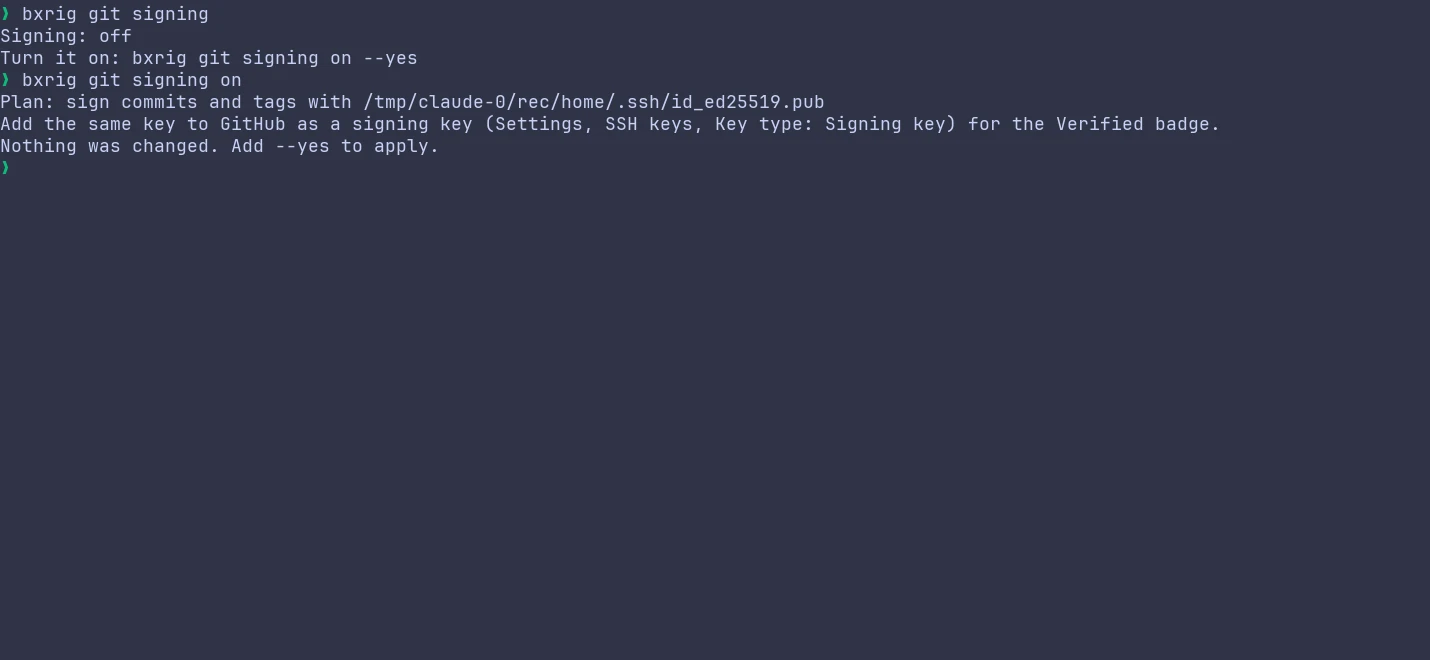
The setup wizard offers this after the SSH key ("Sign commits with that key").
Check your setup
bxrig doctor --dev
After the usual tool checks, --dev looks at your git name and email, the SSH key, the SSH agent, commit signing, a container engine and EDITOR. Each one that is missing prints warn with the command that fixes it. They are advice: the exit code stays 0.