Themes
Twenty-four color themes, each with its own wallpaper, that follow you into the shell, terminals, btop, window borders and Neovim.
On this page
Themes
BxRig ships 24 color themes in the colors.toml theme format, each with its own wallpaper: fourteen of ours (six dark, five light, among them the neon 80s bxrig-retro, and three accessible ones: bxrig-contrast-dark, bxrig-contrast-light and bxrig-colorblind, see Accessibility) and ten community themes.
bxrig theme list                  # all themes, the current one marked
bxrig theme set tokyo-night       # apply one now
bxrig theme next                  # or random
bxrig theme mode auto             # theme, dark, light or auto
bxrig theme status
The Themes page of the Control Center (bxrig tui themes) is the selector: every theme with a color swatch, a filter (type to search, d for dark and l for light), a preview of the highlighted one (palette roles, a sample terminal and its wallpaper), r to preview it live (the whole Control Center is recoloured, nothing is applied; r again stops), and Enter for the plan and y to apply.
Setting a theme acts at once. --dry-run shows what would be written without changing anything.
What changes
| Where | How |
|---|---|
| Noctalia (bar, launcher, panels, notifications) | a generated palette and the light or dark mode |
| Ghostty, kitty, alacritty, foot | generated files that the starter configs include |
| btop | a generated theme file |
| Hyprland window borders | the accent color, read by the managed bxrig.lua |
| Neovim (LazyVim setup) | the matching colorscheme, applied live without a restart |
| KDE Plasma | switches between Breeze Light and Breeze Dark |
| GTK 3 and 4 apps | ~/.config/gtk-4.0/gtk.css and gtk-3.0/gtk.css (libadwaita colors; adw-gtk3 for GTK 3), plus the dark or light preference through gsettings |
| Qt apps | qt6ct and qt5ct color schemes (set the style to qt6ct in your environment) |
| tmux, fzf | theme/tmux.conf and theme/fzf.sh, with a one-line hint to source them |
| rofi, fuzzel, wofi | a rofi theme (and a config.rasi stub when you have none), fuzzel.ini, wofi style.css |
| Wallpaper | a BxRig theme brings one of our wallpapers; use --keep-wallpaper to skip it |
A theme can name a font with a font = "ID" line in its colors.toml (an id of bxrig appearance font list; other tools ignore the line). bxrig-retro names sharetech, Share Tech Mono Nerd (Arch package ttf-sharetech-mono-nerd): once it is installed (bxrig appearance font install sharetech --yes) theme set makes it the shell and terminal font, and until then the plan says so. Other themes leave your font alone.
bxrig banner prints the BXRIG wordmark in the colors of the current theme (--json gives the lines); the retro theme uses it as a terminal greeting.
VS Code is opt-in: bxrig theme vscode shows a plan, --yes merges the colors into workbench.colorCustomizations of Code, Code - OSS, VSCodium or Cursor (a backup is kept; a settings file with comments is left alone). Not themed: the Starship prompt, browsers and icons. Your own config files are never edited. Terminal configs you wrote yourself need one include line, which bxrig theme set prints.
Bar, dock, windows, fonts and backgrounds are in Appearance.
The themes
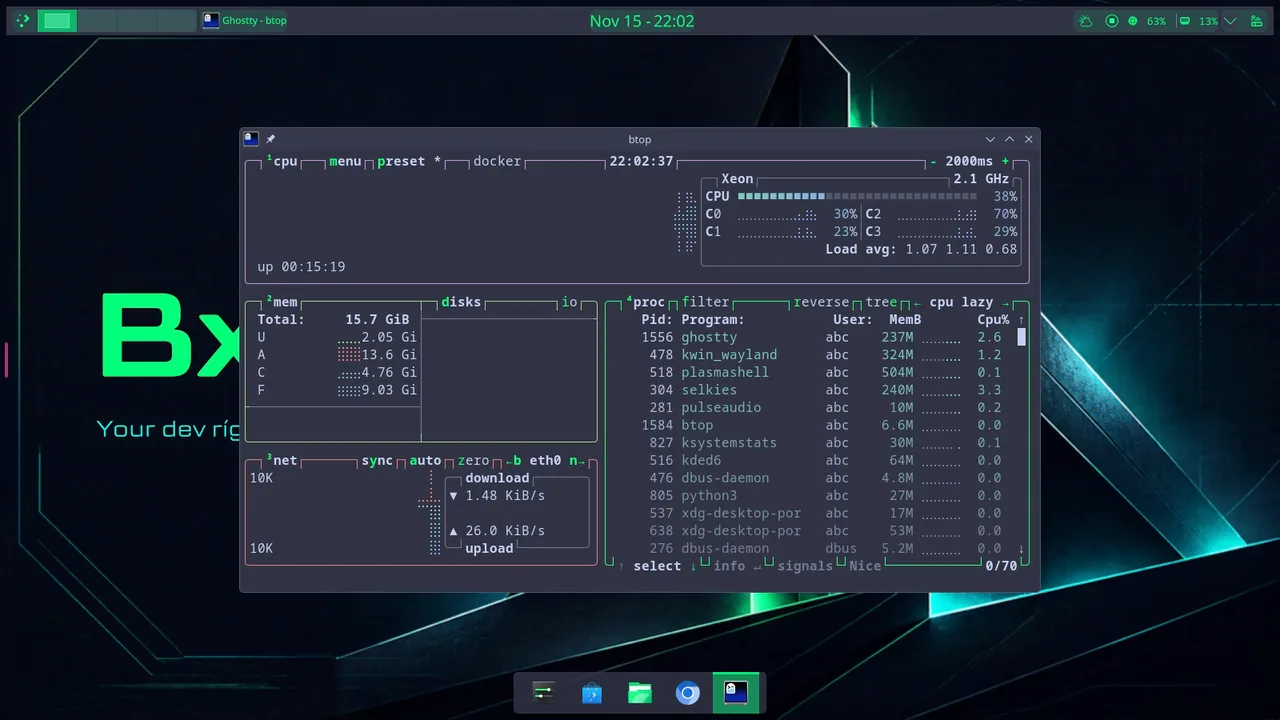
Ours: BxRig, BxRig Cyan, BxRig Forest, BxRig Midnight and BxRig Ember (dark), BxRig Light, BxRig Dawn, BxRig Paper, BxRig Mint and BxRig Sky (light). Community themes: catppuccin, catppuccin-latte, tokyo-night, gruvbox, nord, rose-pine, kanagawa, everforest, matte-black and flexoki-light (MIT, credited in themes/NOTICE.md). Each one below is shown with its wallpaper and btop in a themed terminal.
BxRig · bxrig · dark | 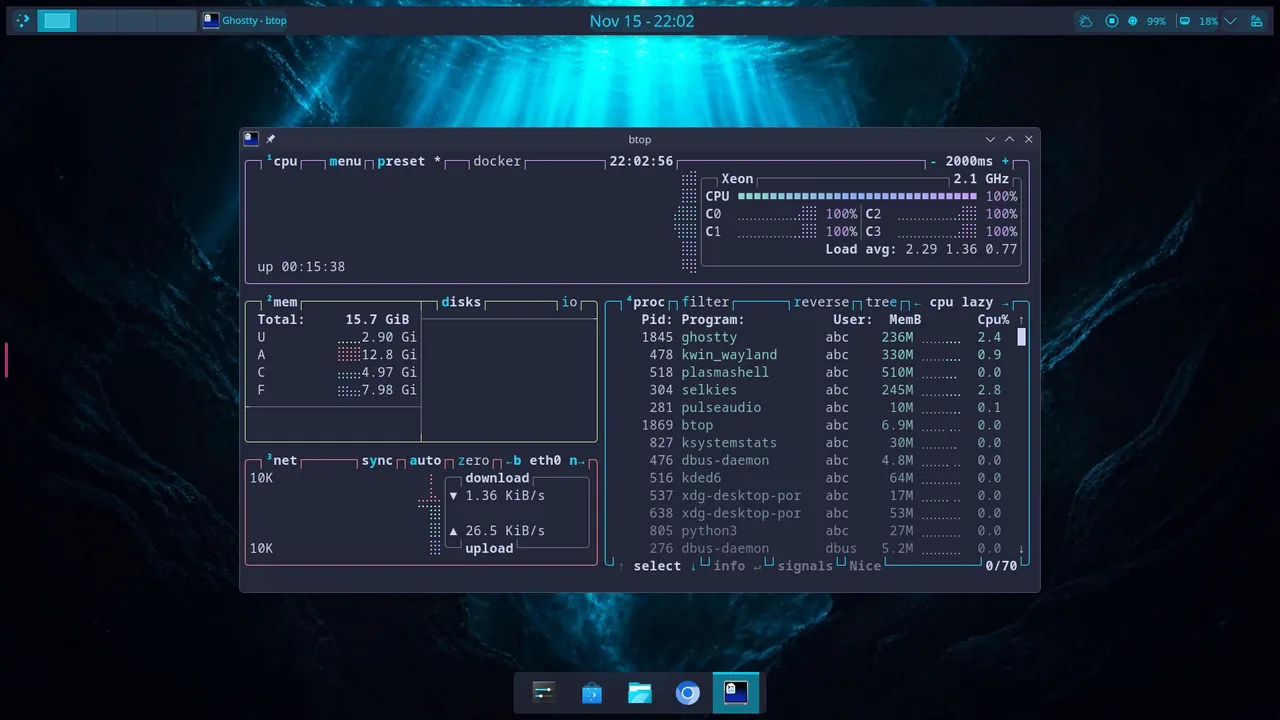 BxRig Cyan · bxrig-cyan · dark |
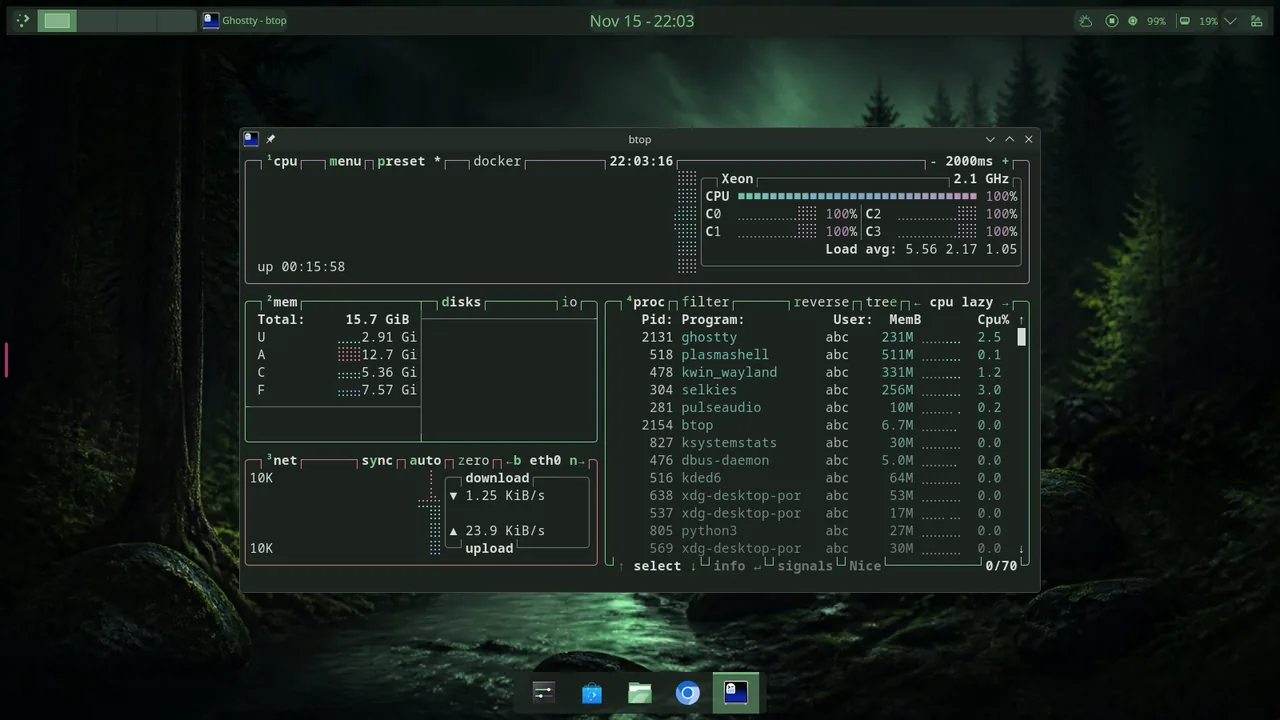 BxRig Forest · bxrig-forest · dark | 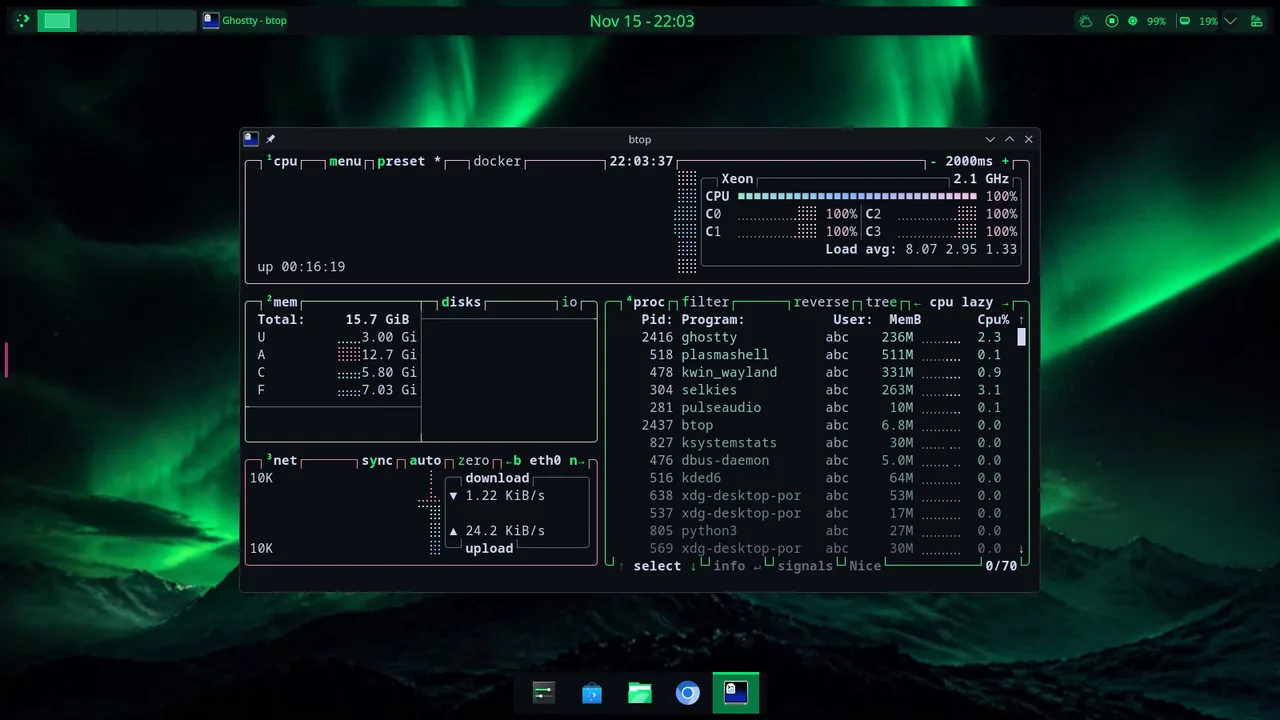 BxRig Midnight · bxrig-midnight · dark |
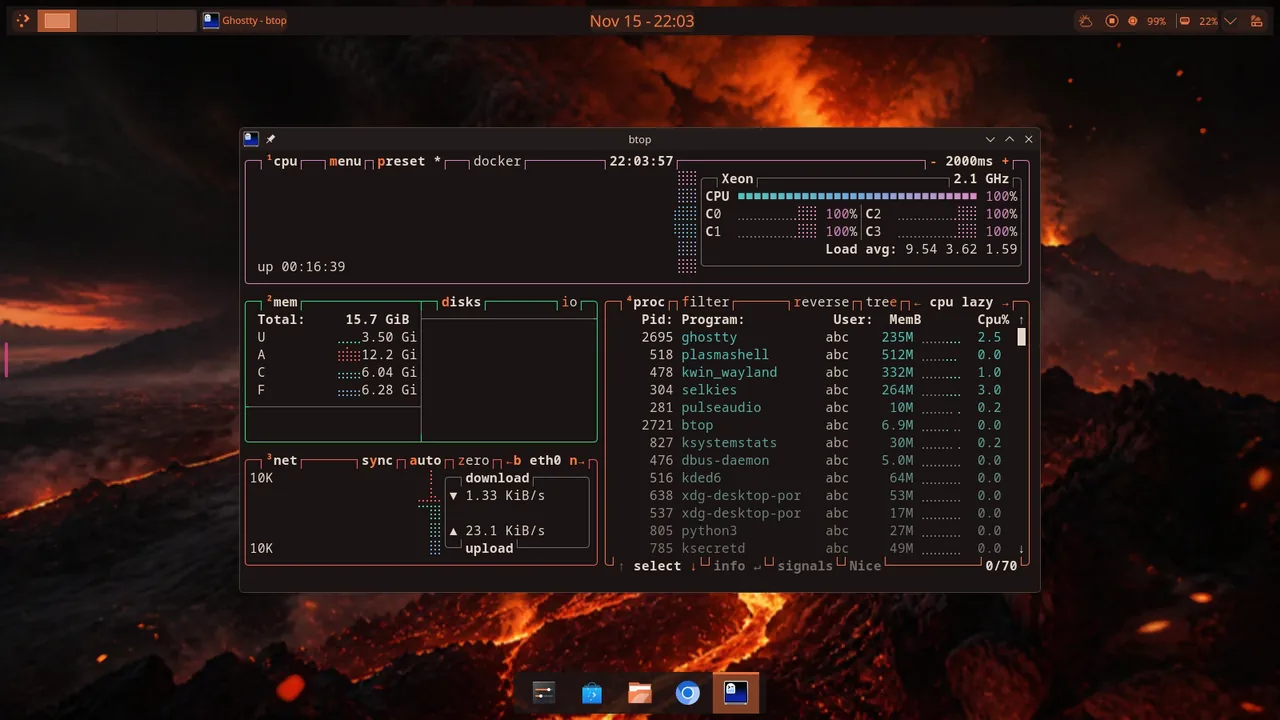 BxRig Ember · bxrig-ember · dark | 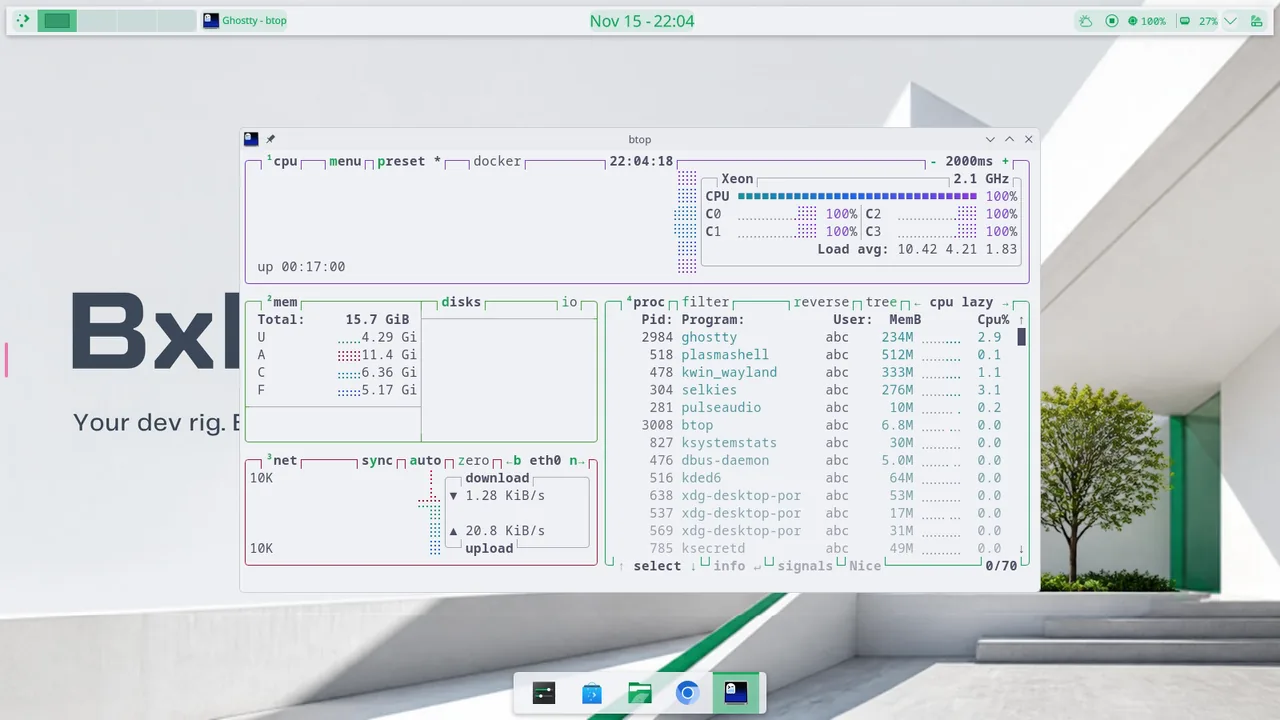 BxRig Light · bxrig-light · light |
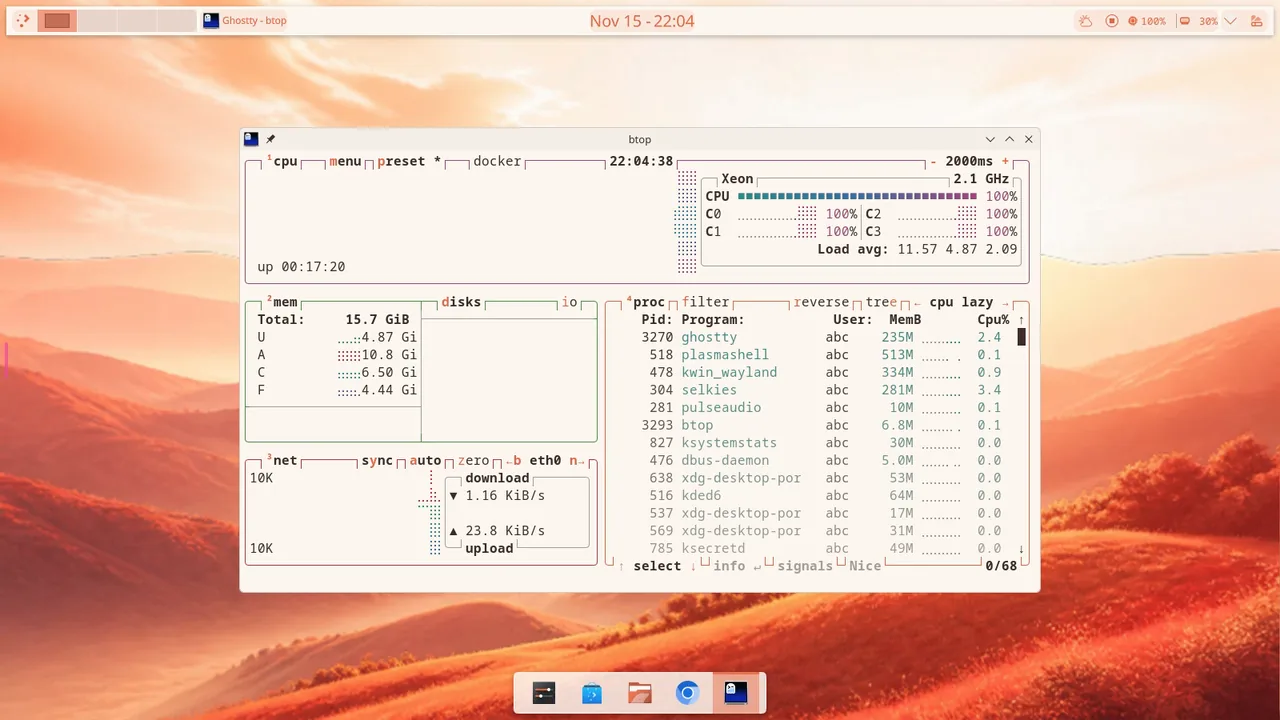 BxRig Dawn · bxrig-dawn · light | 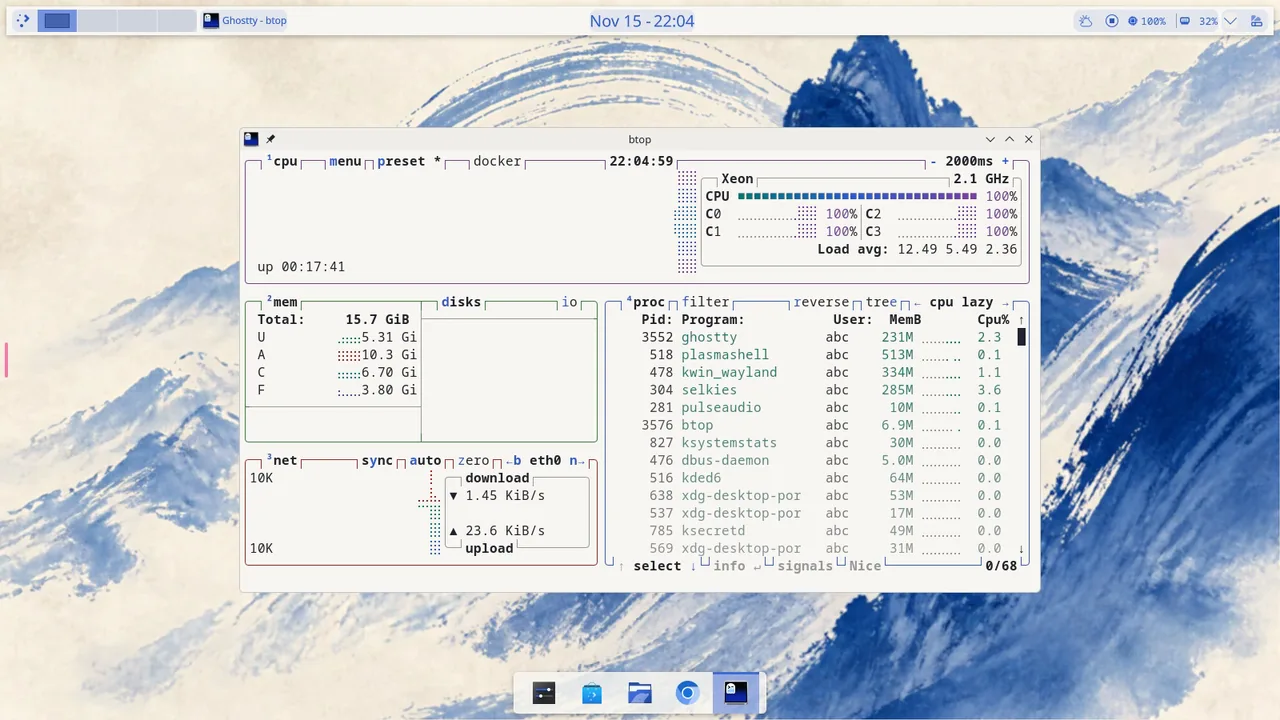 BxRig Paper · bxrig-paper · light |
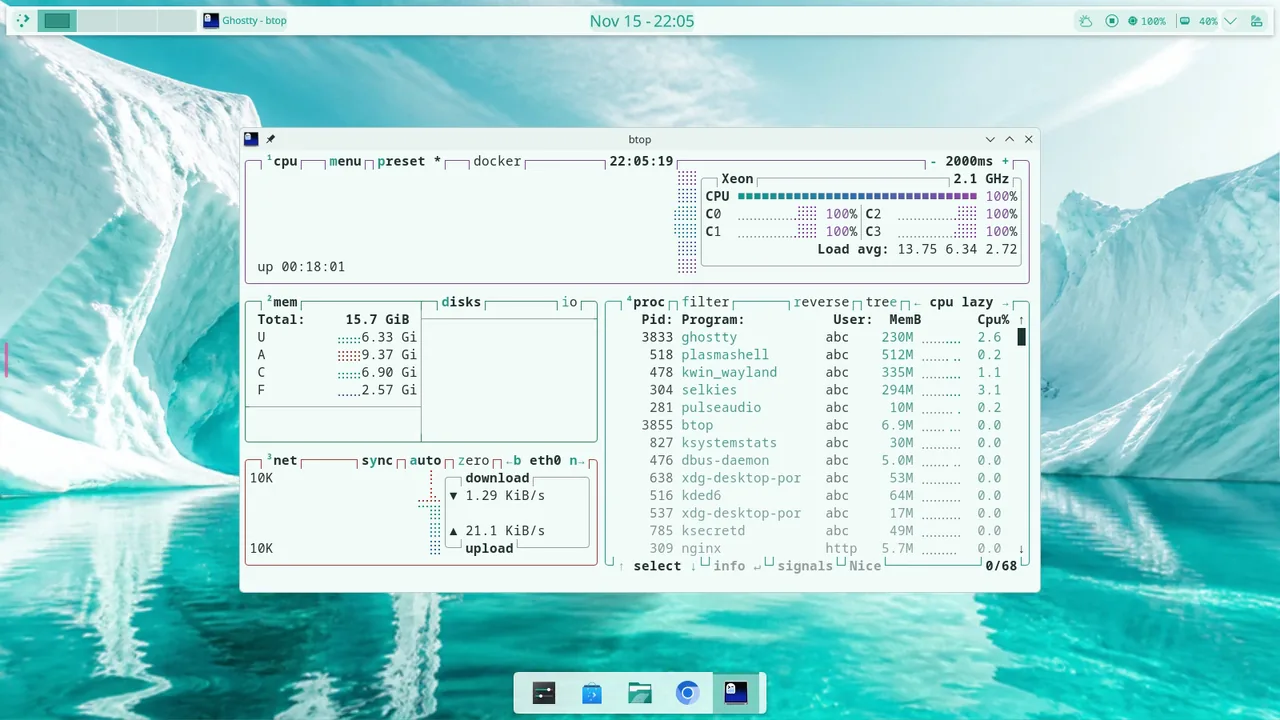 BxRig Mint · bxrig-mint · light | 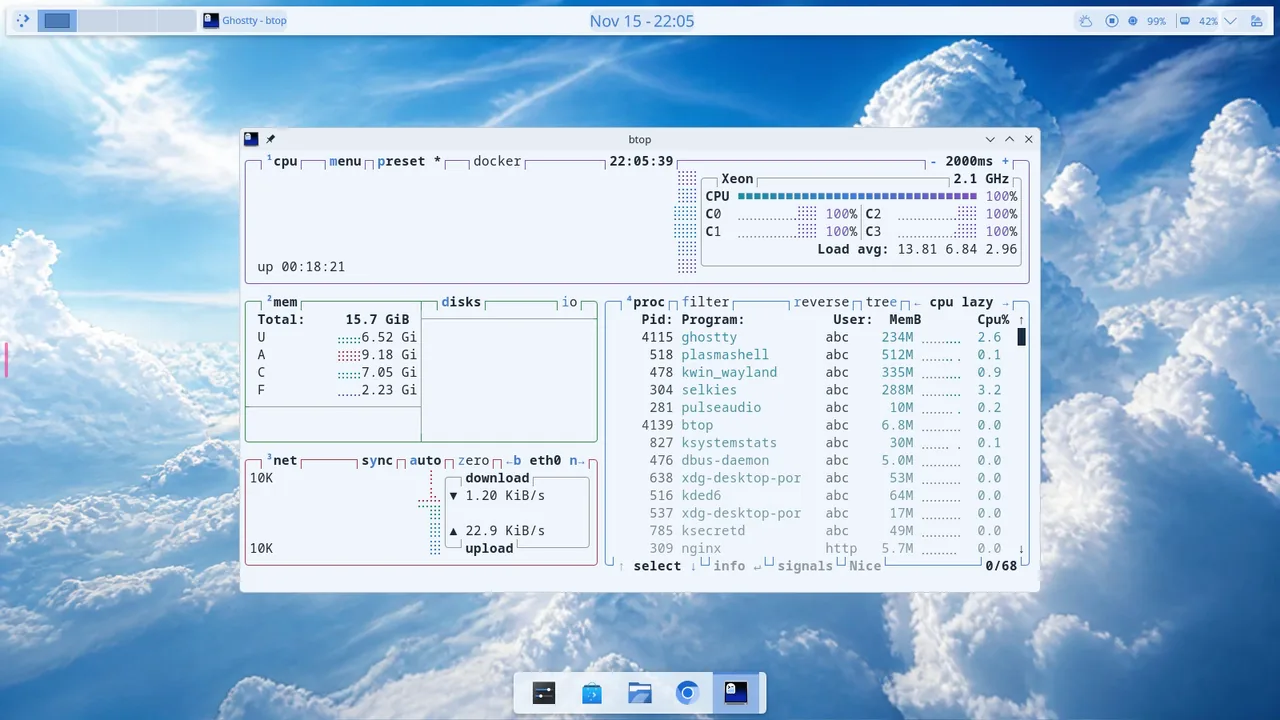 BxRig Sky · bxrig-sky · light |
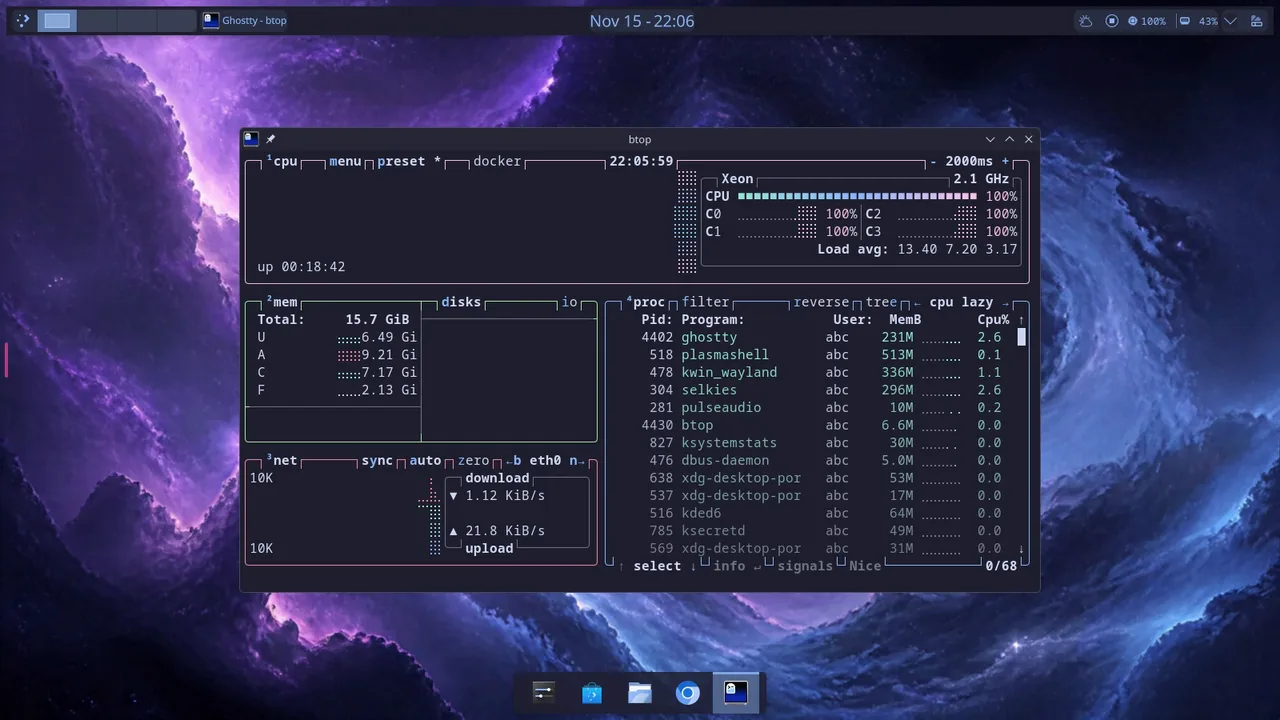 Catppuccin · catppuccin · dark | 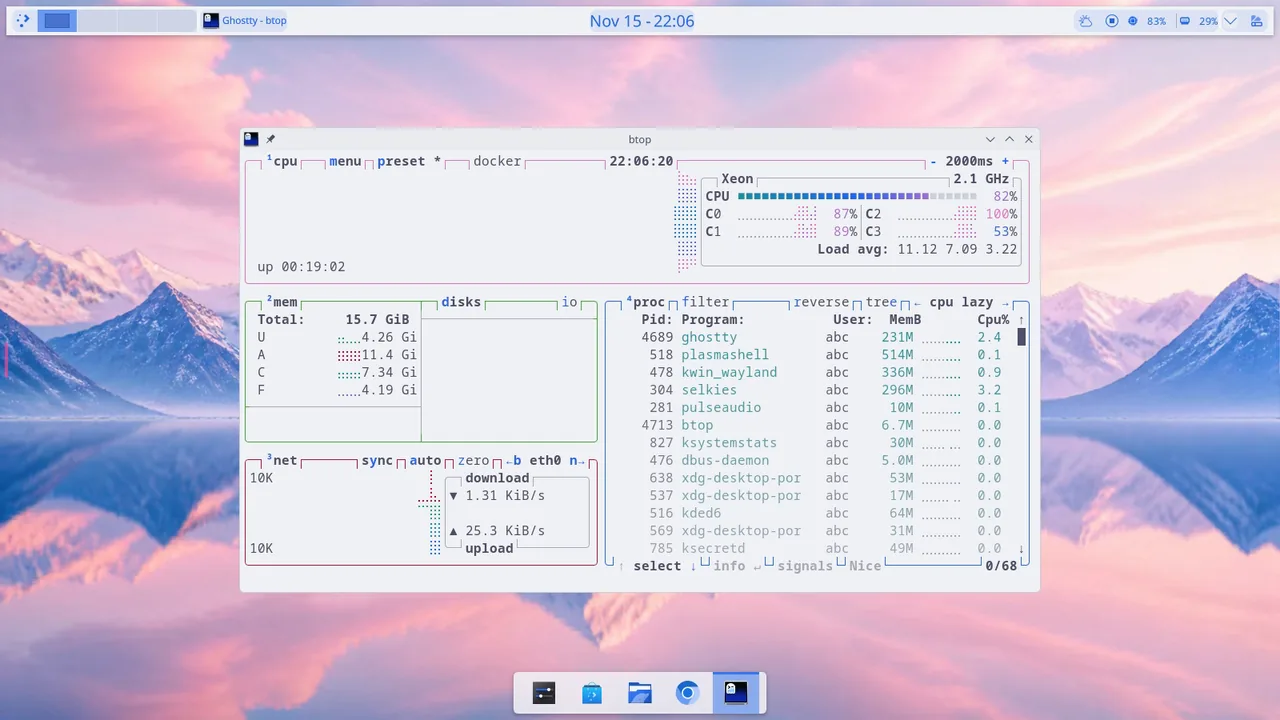 Catppuccin Latte · catppuccin-latte · light |
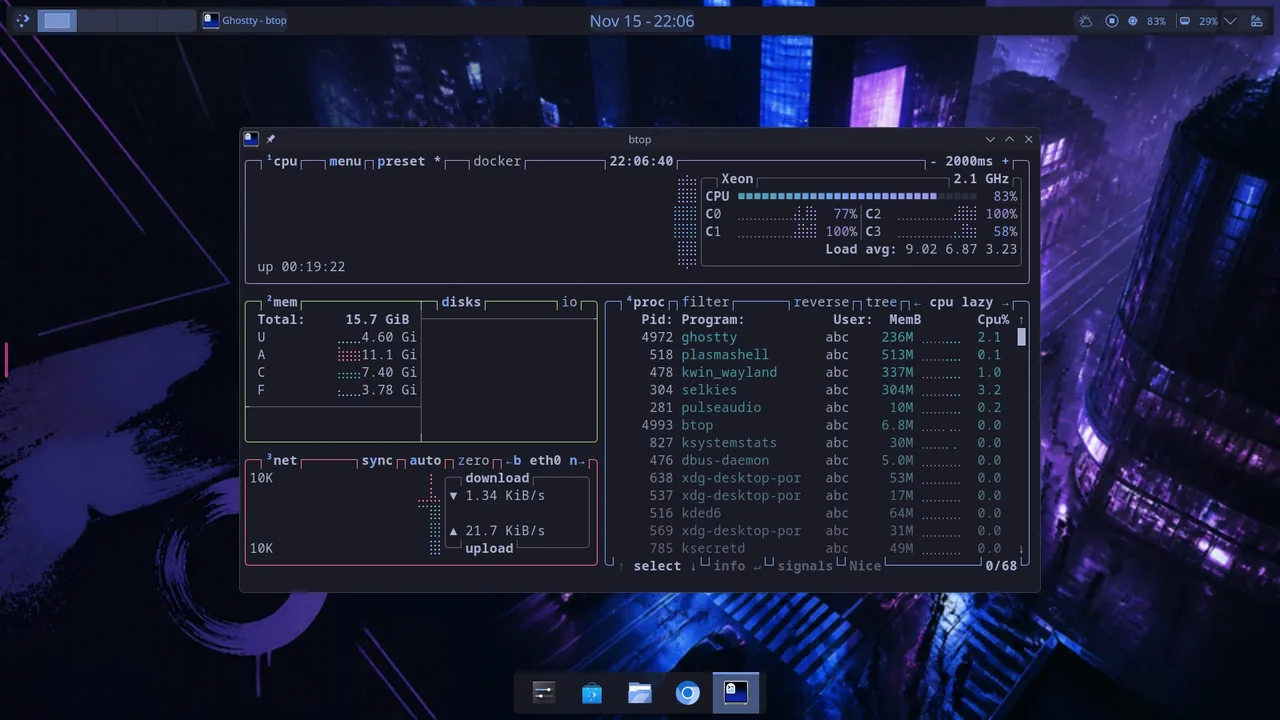 Tokyo Night · tokyo-night · dark | 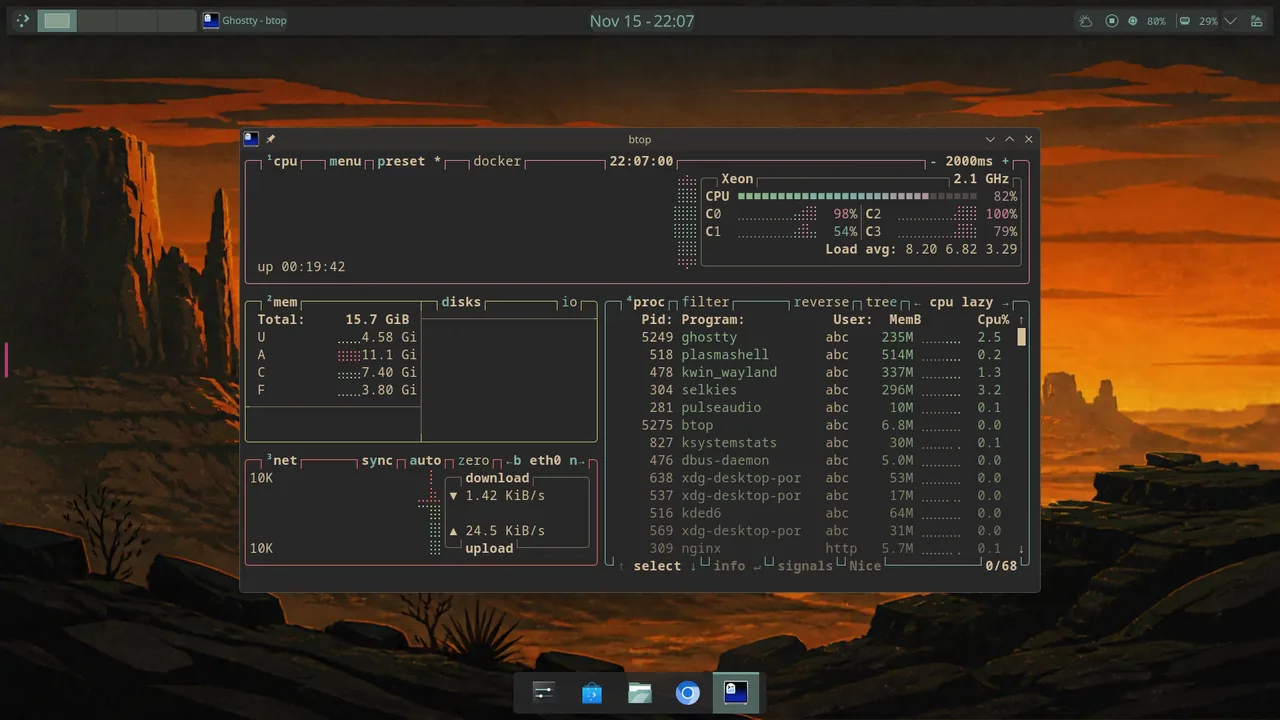 Gruvbox · gruvbox · dark |
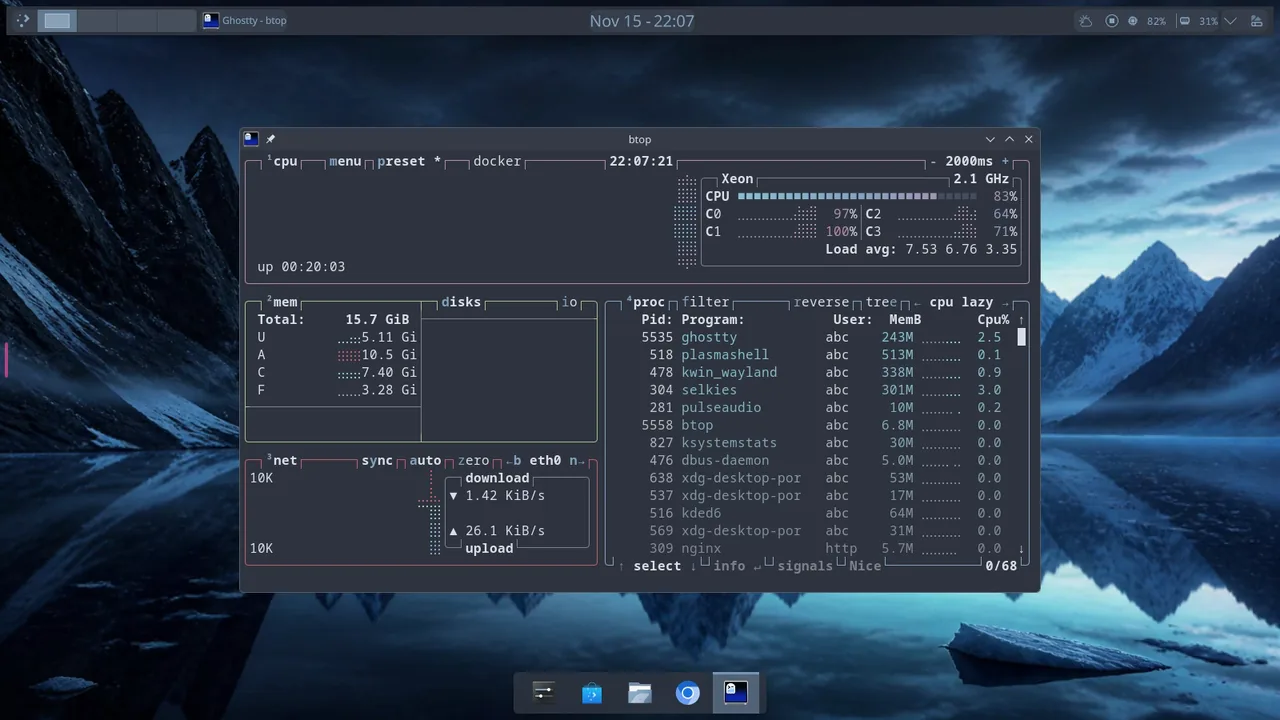 Nord · nord · dark | 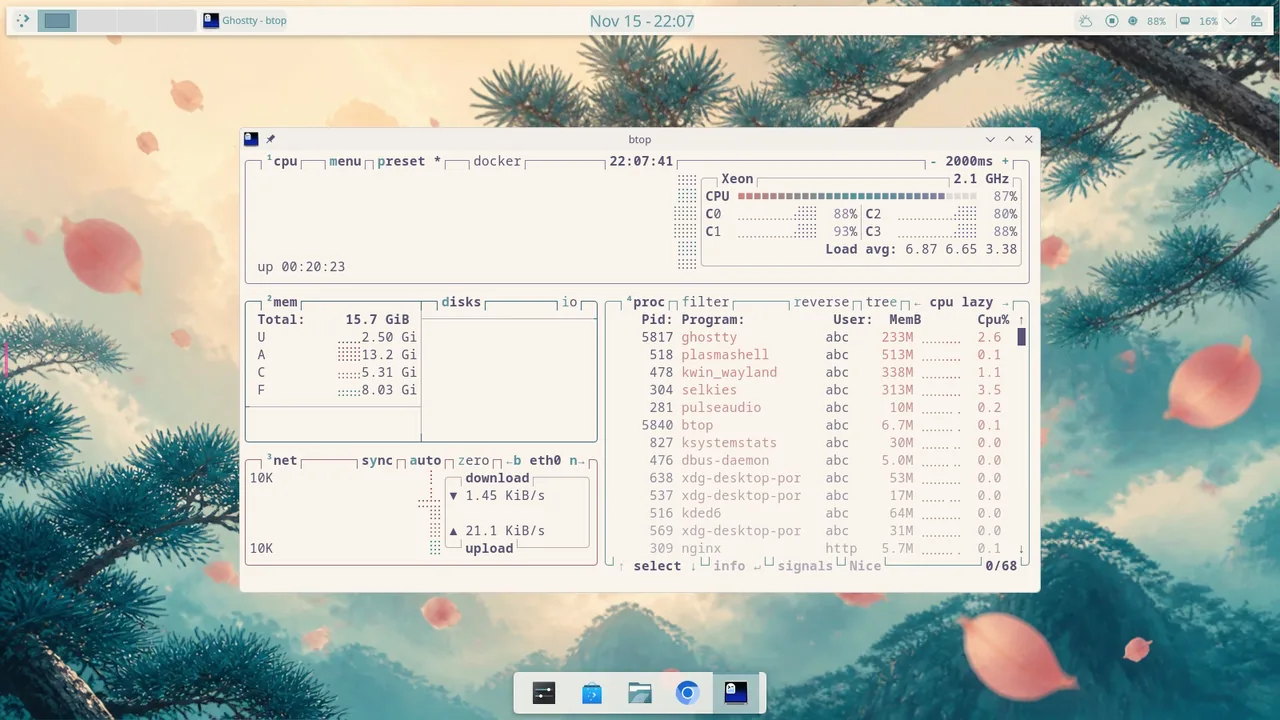 Rosé Pine · rose-pine · light |
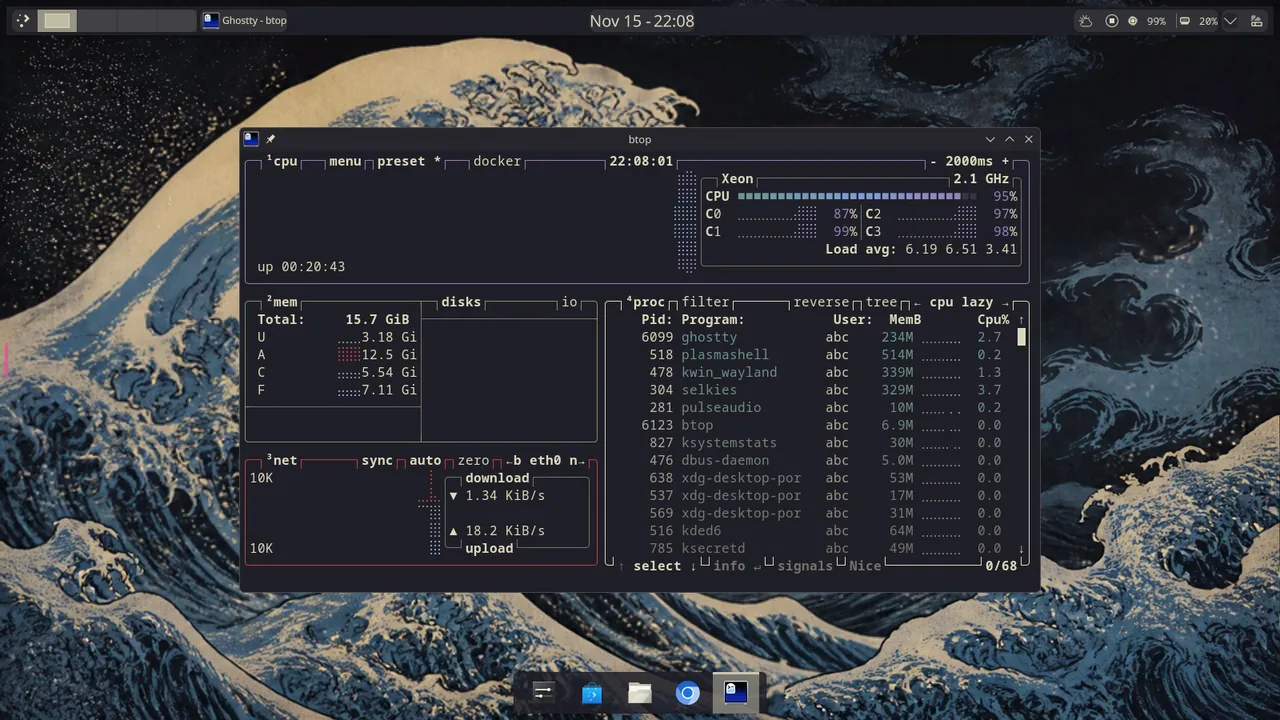 Kanagawa · kanagawa · dark | 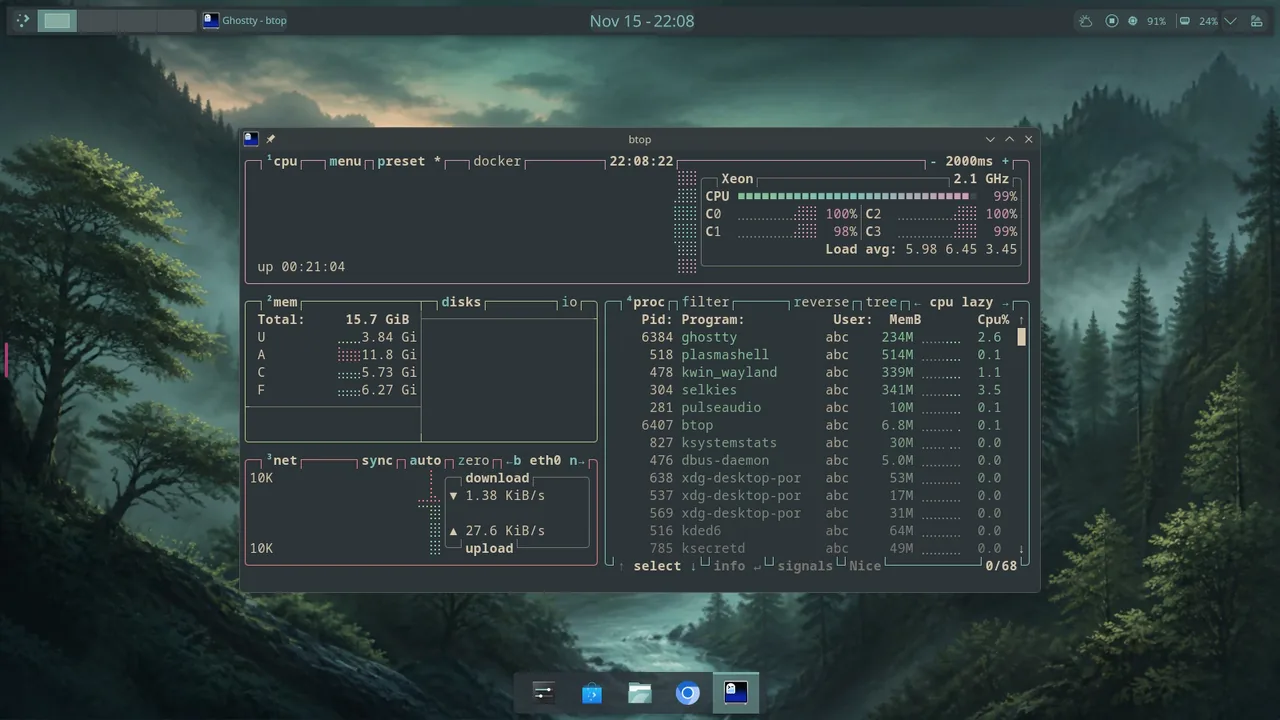 Everforest · everforest · dark |
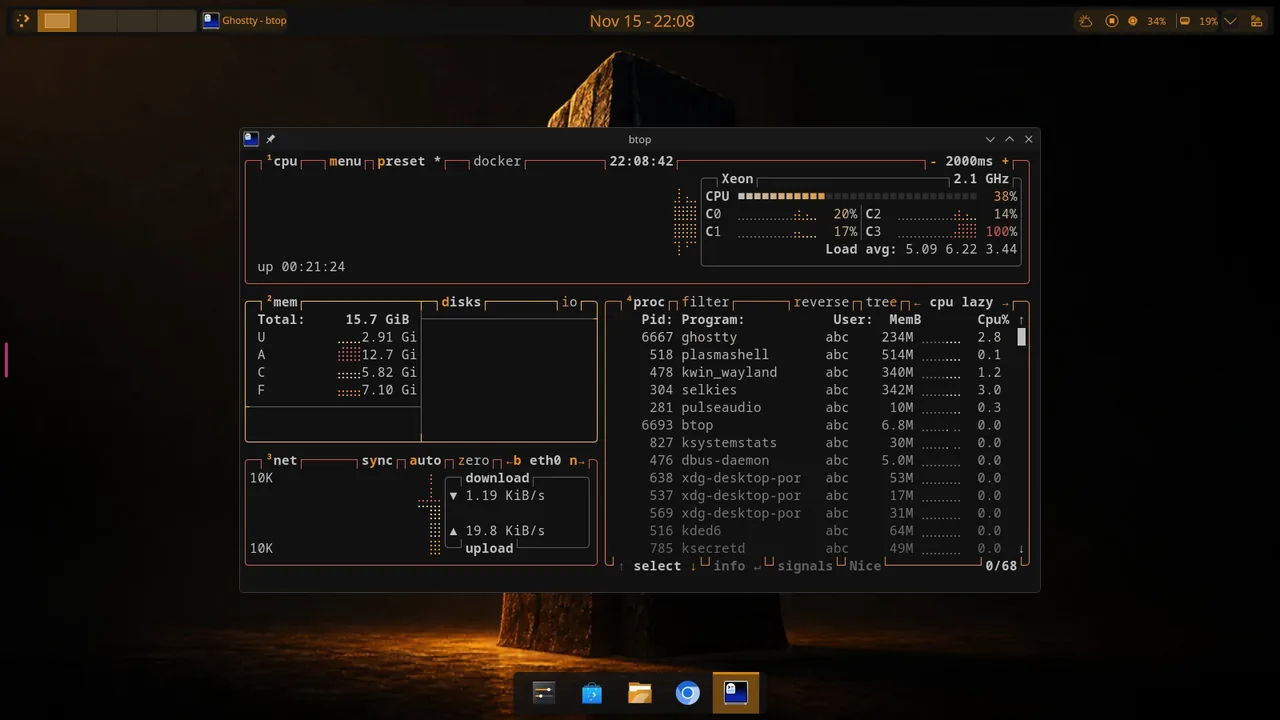 Matte Black · matte-black · dark | 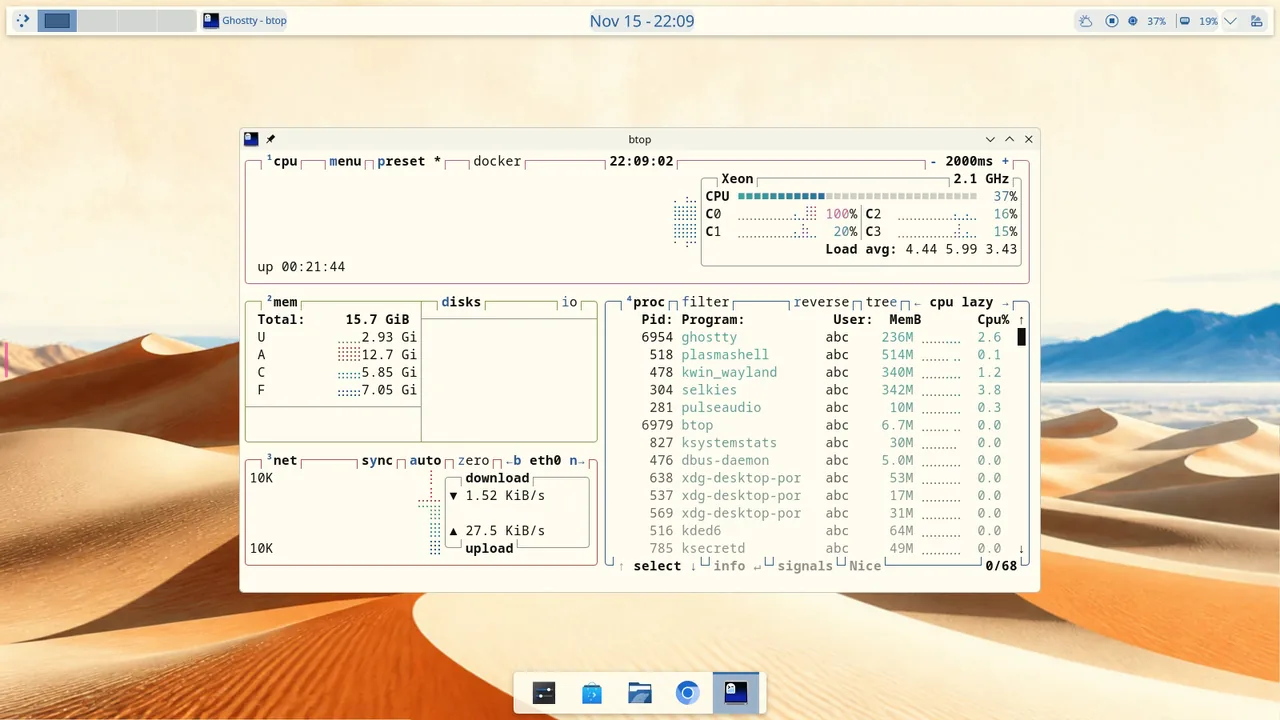 Flexoki Light · flexoki-light · light |
The theme switcher
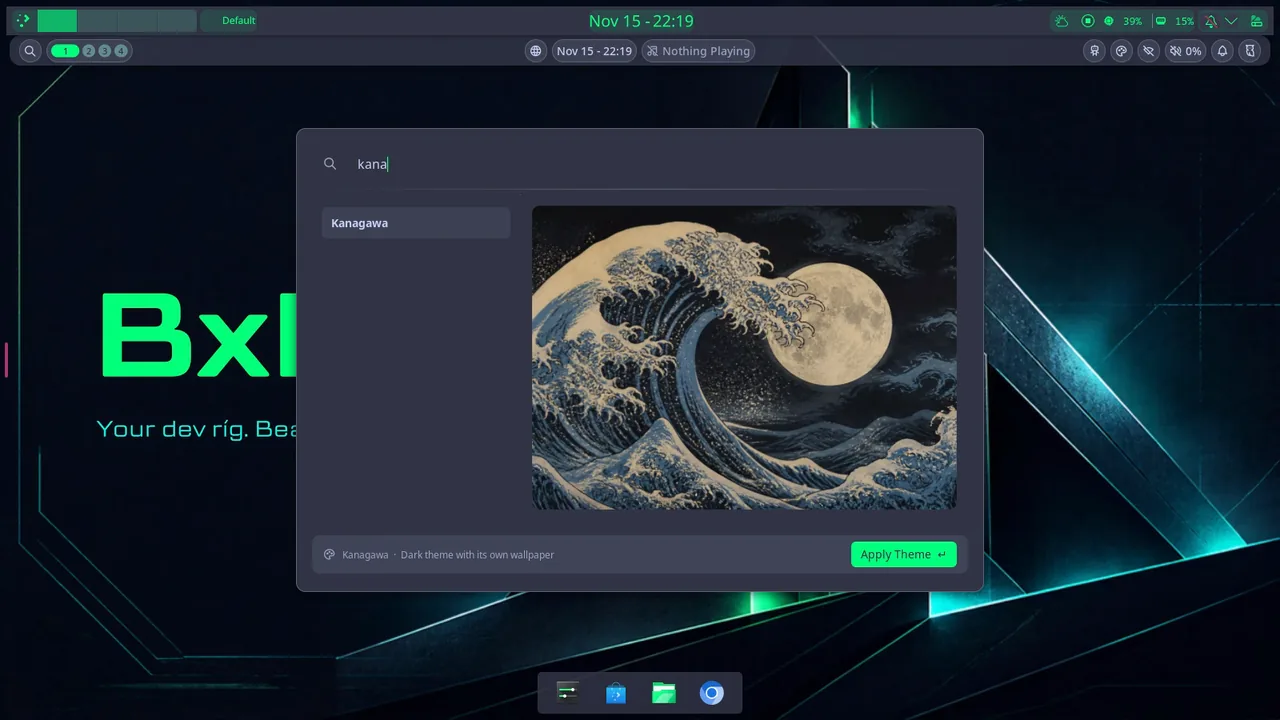
On Hyprland the Themes row of the bar's quick settings popover (the sliders button), or Super+Ctrl+Shift+Space, opens the theme switcher: type to filter, see the theme's wallpaper, Enter applies it everywhere at once.
More themes, and your own
bxrig theme install https://github.com/someone/name-theme installs a theme repository in the same format (https only). Theme folders you already have from other setups are found automatically. A theme is a folder with colors.toml, an optional neovim.lua and an optional backgrounds/ folder:
bxrig theme import ~/my-theme --name=mine
bxrig theme remove mine
Every bundled theme, BxRig's own included, uses the standard colors.toml: mode, accent, selection, muted, the background shades (background, dark_background, darker_background, lighter_background), the foreground shades (foreground, dark_foreground, light_foreground, bright_foreground) and the named colours (red to brown, then bright_red to bright_magenta). The terminal palette comes from them: black is background, white is foreground, bright black is muted, bright white is bright_foreground, and the cursor is bright_foreground. The older color0 to color15 list is still read, for themes you install from elsewhere.
Neovim
bxrig editor lazyvim --yes installs the LazyVim starter plus the BxRig layer: transparent background, BoxLang syntax highlighting (vim-boxlang), no news popups, the neo-tree extra, and live theme following. An existing ~/.config/nvim is never touched. To add only BoxLang syntax to a LazyVim config you already have: bxrig editor boxlang --yes.
The BoxLang prompt segment
The starter Starship prompt shows your BoxLang version, like Java, in folders with .bx, .bxs, .bxm, .cfc, .cfm or .cfs files, box.json or Application.bx. The starter file is written once, so an existing prompt keeps what you have; bxrig config diff starship shows what is new.